Learning Japanese
Publisher Description

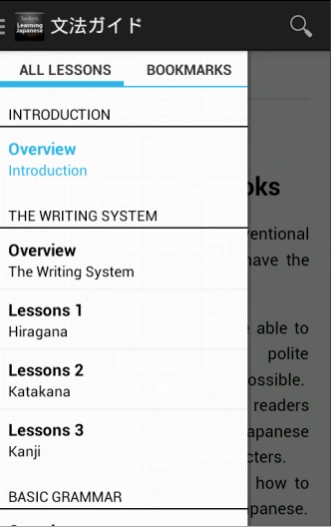

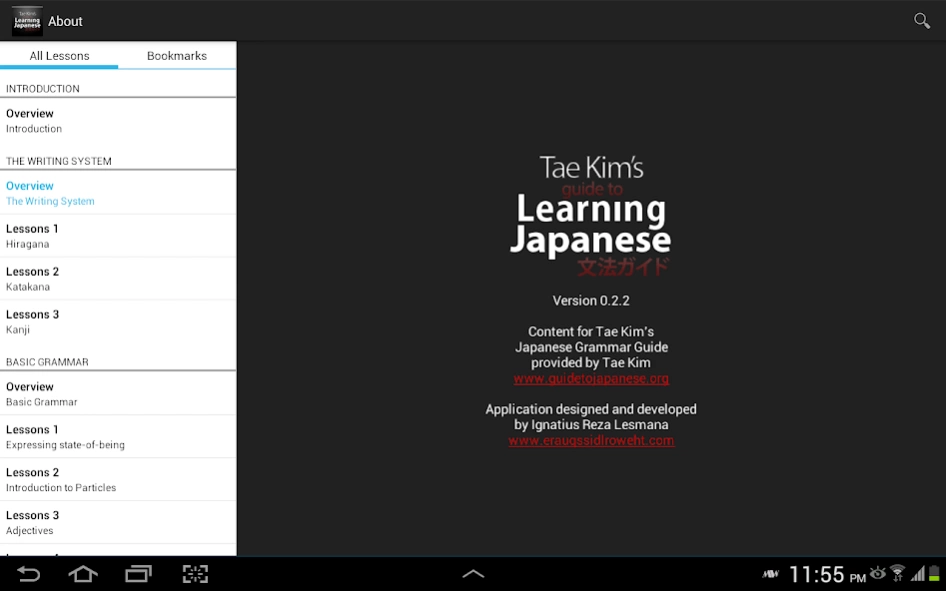
Tae Kim's Guide to Learning Japanese now available in Google Play!
Tae Kim's Guide to Learning Japanese
IMPORTANT :
The latest update (0.4) includes support for Android 9 / Pie - please let me know if you encounter any issues - googleplay@frush.com.au
Topics covered include:
- The Japanese Writing System (Hiragana, Katakana, Kanji)
- Basic Japanese Grammar (Particles, Adjective, Verbs, Nouns)
- Essential Japanese Grammar (Polite Forms, Compound, Conditionals, etc.)
- Special Expressions (Causative, Amounts, Honorific, etc.)
- Advanced Topics (Formal Expressions, Volitional, etc.)
This guide was created as a resource for those who want to learn Japanese grammar in a rational, intuitive way that makes sense in Japanese. The explanations are focused on how to make sense of the grammar not from English but from a Japanese point of view.
This guide is an attempt to systematically build up the grammatical structures that make up the Japanese language in a way that makes sense in Japanese. It may not be a practical tool for quickly learning immediately usable phrases such as for travel. However, it will logically create successive building blocks that will result in a solid grammatical foundation. For those of you who have learned Japanese from textbooks, you may see some big differences in how the material is ordered and presented. This is because this guide does not seek to forcibly create artificial ties between English and Japanese by presenting the material in a way that makes sense in English. Instead, examples with translations will show how ideas are expressed in Japanese resulting in simpler explanations that are easier to understand.
About Learning Japanese
The company that develops Learning Japanese is Carlo van Eeckhoven. The latest version released by its developer is 1.0 .
To install Learning Japanese on your Android device, just click the green Continue To App button above to start the installation process. The app is listed on our website since 2020-06-09 and was downloaded 200 times. We have already checked if the download link is safe, however for your own protection we recommend that you scan the downloaded app with your antivirus. Your antivirus may detect the Learning Japanese as malware as malware if the download link to com.alexisblaze.japanese_grammar is broken.
How to install Learning Japanese on your Android device:
- Click on the Continue To App button on our website. This will redirect you to Google Play.
- Once the Learning Japanese is shown in the Google Play listing of your Android device, you can start its download and installation. Tap on the Install button located below the search bar and to the right of the app icon.
- A pop-up window with the permissions required by Learning Japanese will be shown. Click on Accept to continue the process.
- Learning Japanese will be downloaded onto your device, displaying a progress. Once the download completes, the installation will start and you'll get a notification after the installation is finished.
Program Details
System requirements
Download information
Pricing
Version History
version
posted on 2020-06-09
Stability fixes
version
posted on 2020-06-07
- Scroll position fixes for certain devices
- Random crash fixes
version
posted on 2019-12-29
- Fixed lesson scroll position not saving when app is in background
- Softened colours in Dark Mode to reduce strain on eyes
- Various bug fixes
version 500,000+
posted on 2019-08-15
Bug Fix: Urgent fix for some users upgrading from a previous version where the database existed but was empty, causing a crash on launch :(
version 0.3.1.3
posted on 2014-02-22
Several fixes and updates
version 0.3.1.3
posted on 2014-02-22
Added by popular request :,- the app will remember opened page history, pressing back will navigate this history in reverse chronological order, pressing back when the history is empty will still close the app.,- in tablet : the width of the navigation is resizeable by dragging the dividing line between navigation & content, tapping on it will toggle between fully hiding it & resetting it to the recommended width (note : phone will still use the navigation drawer),- don't show the +- zoom button
